Organizing Photos on Android Blog
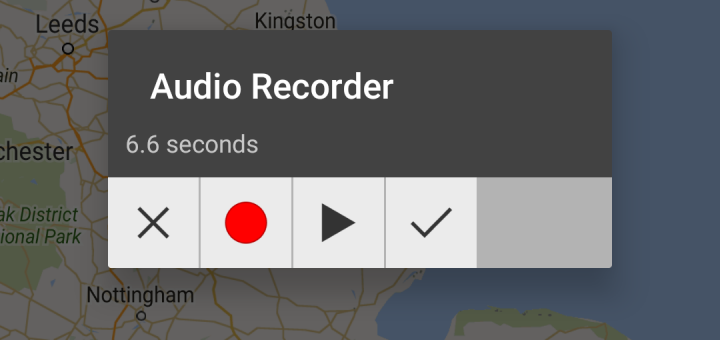
The new release of MapCam makes it easy to add geotags to your audio and video files: Start MapCam and choose between photo, video, and audio mode. Click the round button as soon as...
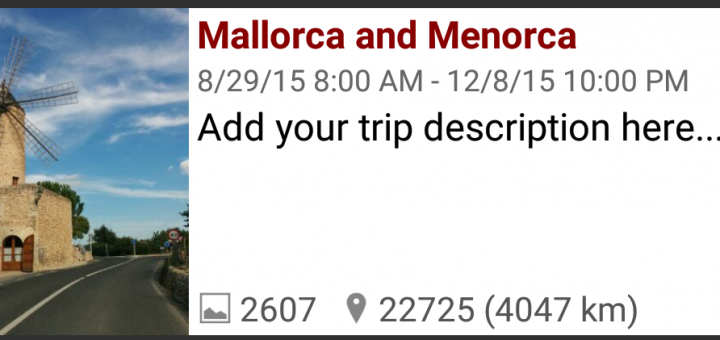
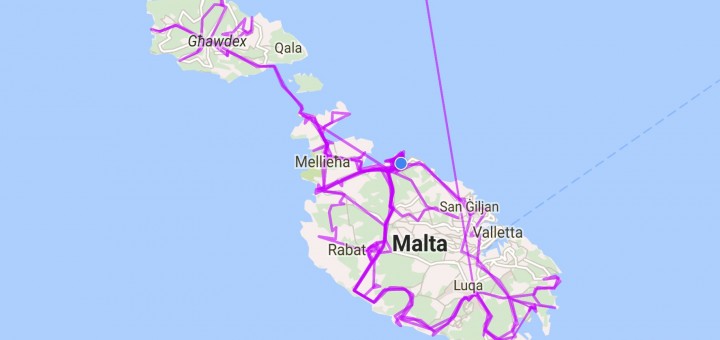
PhotoMap makes it very easy to track a trip in only 4 steps. A trip can be for example a bike ride, a day trip, a multi-day holiday, a business trip, a visit to...
You can now import GPX files from external geo trackers or other geo tracker apps in PhotoMap. Just go to the ‘Geo Logging’ settings in the main menu and select “Import GPX file”. This...
Did you find an error or do you have suggestions how to improve one of my apps? Then please do one of the following: Add a comment to this post. Tap on the “Report...
You can now hide your photos to better view the trips that you have done lately. This is a new feature of PhotoMap. Just tap on the map icon in the map view mode...
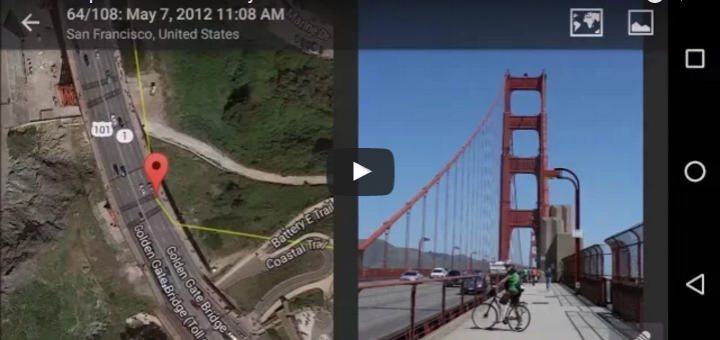
This video gives a good overview about PhotoMaps main features.
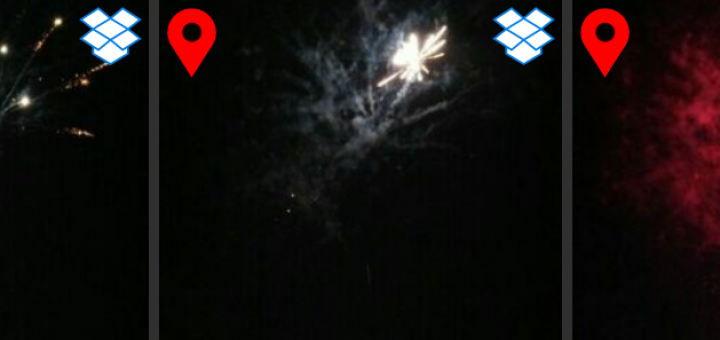
PhotoMap can now find photos in your Dropbox cloud storage to visualize them on a map and to group them together with your local photos. Just select your Dropbox account in the settings and PhotoMap will start...
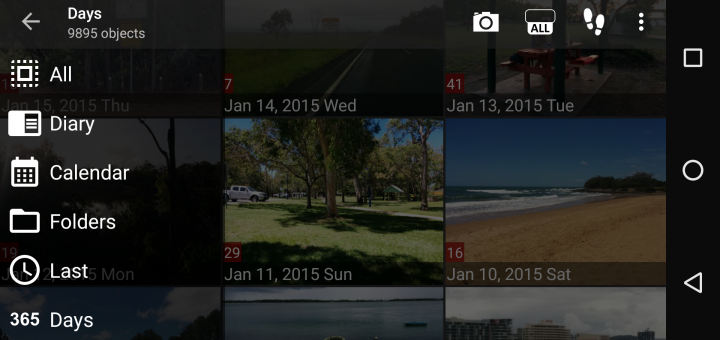
The new releases of PhotoMap and EagleEye come with a new navigation bar that you can slide in from the left side of your device. On the bar you’ll find the additional menu item...
The new versions of EagleEye and PhotoMap support the Storage Access Framework that enables you to access (read and write) files on removable media (such as SD cards) and cloud storages. This feature is available...
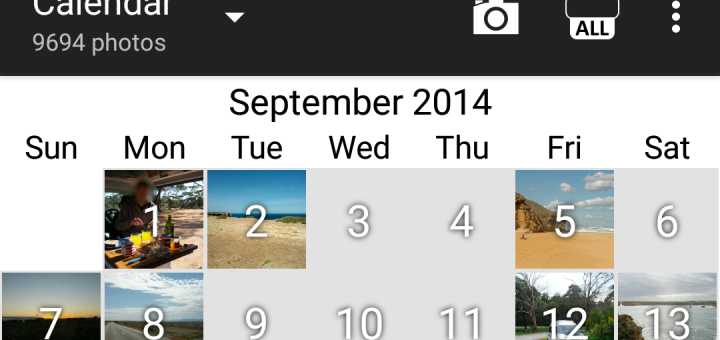
The new version (4.4) of PhotoMap comes with a new calendar view! Just select the “Calendar” option in the upper bar. View photos and logged locations by tapping on a day.


Recent Comments